Folder Picker
Folder browsing inside Payload's list drawer, so any field picks documents by folder.
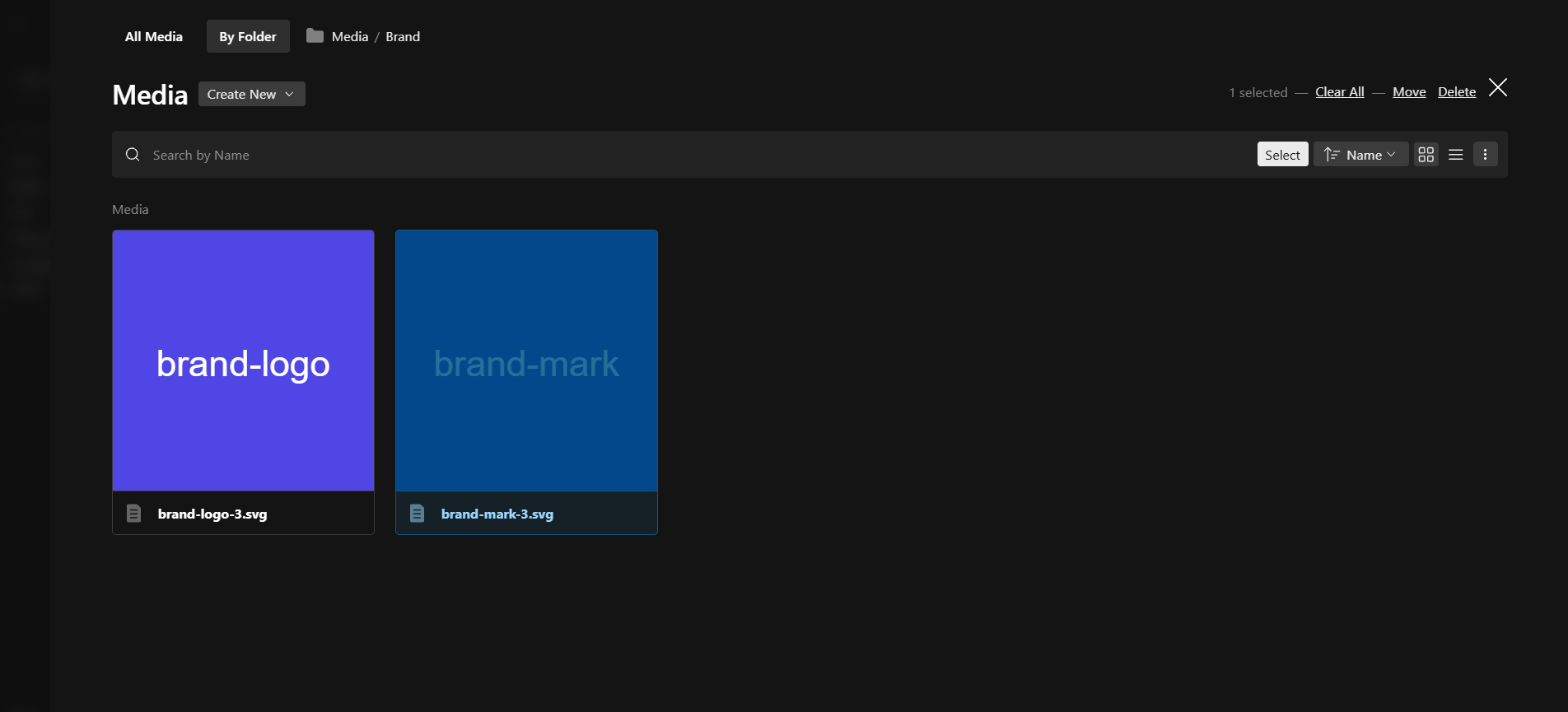
@10x-media/folder-picker puts folders into the drawer that opens when a field picks an existing document. Payload has had folders since 3.39, but only on the collection route: from an upload field's "choose from existing" you get a flat, paginated list with no folders in sight.
import { buildConfig } from 'payload'
import { folderPicker } from '@10x-media/folder-picker'

export default buildConfig({
  folders: { browseByFolder: true },
  collections: [{ slug: 'media', folders: true, upload: true, fields: [] }],
  plugins: [folderPicker({})],
})
What it covers
Anything that opens a list drawer:
- upload fields, single and
hasMany - polymorphic upload fields, one tab per collection
- relationship fields with
admin: { appearance: 'drawer' } - the lexical upload node
What it adds inside the drawer
- subfolder navigation with breadcrumbs, plus search within the current folder
- grid or list display, and sorting by name, created or updated
- create a folder or a document without leaving the editor
- move, rename and delete folders
- bulk upload straight into the folder being viewed, for
hasManyfields
Picking documents
Double-click opens a folder, and double-clicking a file picks it outright. A single click selects, and Select in the search bar confirms.
A hasMany field takes Ctrl or Cmd for one more and Shift for a range, with a hint under the header saying so. A single-value field ignores the modifiers and draws no hint.
Documents the field already holds are left out of the folder, exactly as they are left out of the list tab. Remove a value and the document is offered again.
What it leaves alone
- The collection's list route. Outside a drawer nothing changes:
/admin/collections/mediais byte-for-byte what it was. - Collections without
folders: true. Their drawer stays the stock flat list. - Collections that already declare a list view. A host customization is never overwritten.
Requirements
Payload ^3.83.0, React 19, with folders enabled in the config and on at least one collection.
Next
Quick start, then Configuration for the options and exports.