Form Variants
Alternative edit forms for a Payload collection, drawn as steps over the native form state.
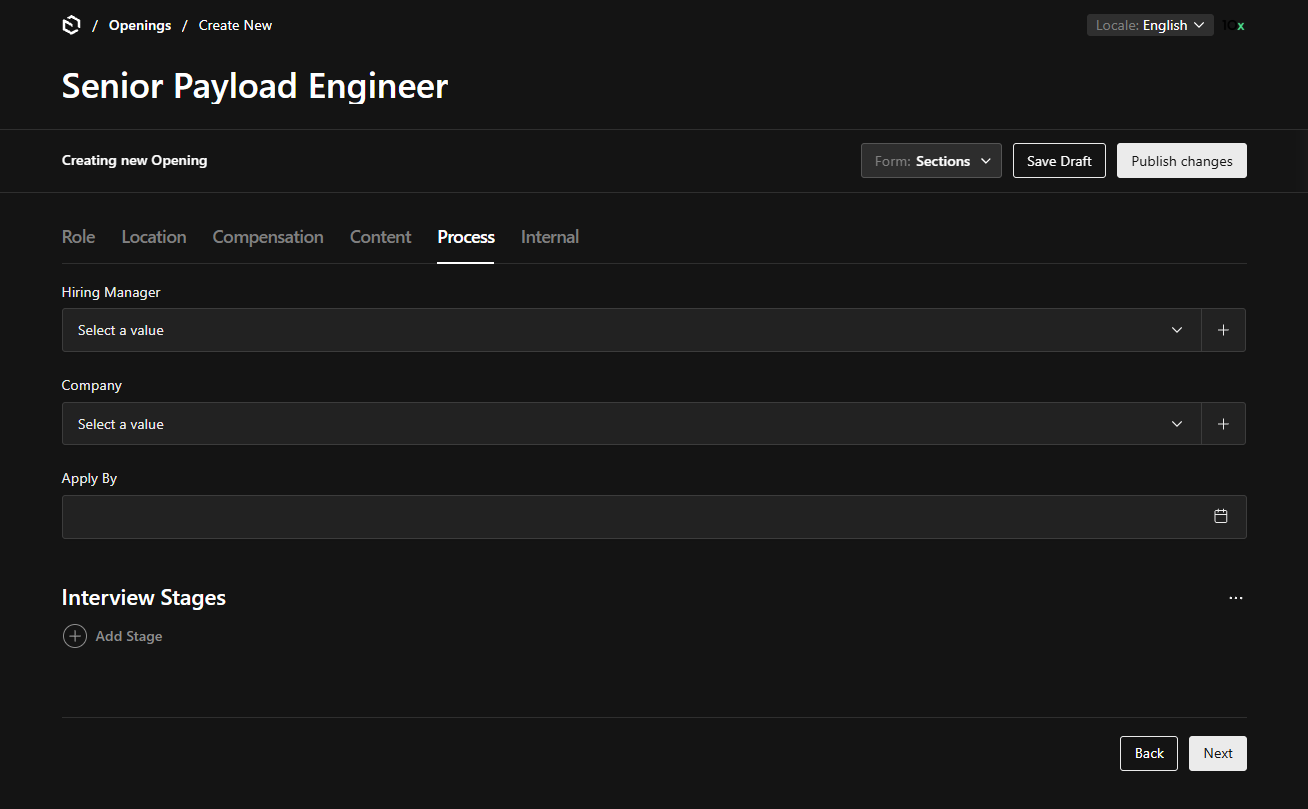
@10x-media/form-variants replaces a collection's edit view with one of several variants of the same form. A variant is a sequence of steps drawn over Payload's own form state, rendered with Payload's own fields, saved by Payload's own save. The native form is one of the variants, so accounts with access can switch back and forth.
A simplified form and a guided form are the same mechanism: a variant with one step of four fields, and a variant with several steps.
Beta. This plugin replaces a collection's edit view, which is the largest surface Payload has: every field type, custom field components, drafts, localization, uploads, drawers, and every combination of those. It is covered by unit, integration and end-to-end tests on both Mongo and Postgres, but no suite reaches every combination. Expect gaps, and expect some of Payload's own edit-view features to be missing on a variant. It ships under the beta dist-tag and the API can still change.
Open an issue for anything that renders wrong, saves wrong or is not supported. Cases found in real projects are the point of the beta.
import { defineFormVariants } from '@10x-media/form-variants'
import type { CollectionConfig } from 'payload'

export const People: CollectionConfig = {
  slug: 'people',
  custom: {
    formVariants: defineFormVariants('people', {
      defaultVariant: ({ user }) => (isAdmin(user) ? 'native' : 'quick'),
      variants: [
        {
          key: 'quick',
          label: 'Quick form',
          steps: [
            {
              key: 'identity',
              label: 'Who is this?',
              fields: ['firstName', 'lastName', 'dateOfBirth', 'gender'],
            },
            {
              key: 'duplicates',
              label: 'Check for duplicates',
              Component: '/components/DuplicateCheckStep#DuplicateCheckStep',
              components: { Navigation: false },
            },
          ],
        },
        { key: 'native', access: ({ user }) => isAdmin(user) },
      ],
    }),
  },
  fields: [/* unchanged */],
}import { formVariants } from '@10x-media/form-variants'
export default buildConfig({
// Last, so it sees every collection other plugins add.
plugins: [formVariants({})],
})Run payload generate:importmap and that is the installation.
The problem
A Payload collection has one edit form, and it shows every field to everyone. A people collection with dozens of fields is a typical case: an occasional editor adding a person needs four of them and is shown all of them.
The usual workaround is a wizard built as a separate admin view with its own form system: its own inputs, its own validation, and a submit that calls payload.create by hand. Every such wizard restates fields the collection already declares, so native field components, admin.condition and field validate do not apply inside it.
What the plugin does
- Steps over the real form. A field step lists paths of the collection's own fields. They render through Payload's
RenderFields, so custom components, conditions and validation apply. Fields on no step keep their values and are submitted with the document. - One save guard. Saving is allowed on the last step (or anywhere with
save: 'always'), never while a step has blocked it, never on a read-only document. The save controls and Ctrl+S both respect it. On a drafts collection a Save draft button stands beside the one that publishes. - Server-side step logic.
access,defaultVariant, stepcondition,gateandafterSaverun on the server withreq, first at page render and then through the plugin's own endpoint. nativeis Payload's own view. Untouched, with a switcher in its controls bar. Restricting who sees it is oneaccessfunction.- Drawers too. A person created from a relationship field's "create new" drawer gets the same variant.
- No storage. The account's chosen variant is a Payload preference, and so is the open section of a
navigation: 'free'variant, kept in that document's own preferences beside its tab state. A guided variant is never resumed mid-sequence and is not in the URL, so its steps cannot be linked past.
What it is not
The form is presentation, not security. REST, GraphQL, the Local API and scripts ignore variants. A check that must hold for the data belongs in a collection hook or field access, not in a gate.
Pages
- Configuration: where config lives, variants, field paths, selecting the active variant.
- Steps: field steps, component steps, conditions, gates, the wizard API.
- Saving: the guard,
afterSave, autosave and drafts, drawers. - Customization: slots, headless layouts, i18n.