Document Preview
Document Preview
Read-only previews of upload documents in the Payload admin, from images and PDFs to Word, Excel and PowerPoint.
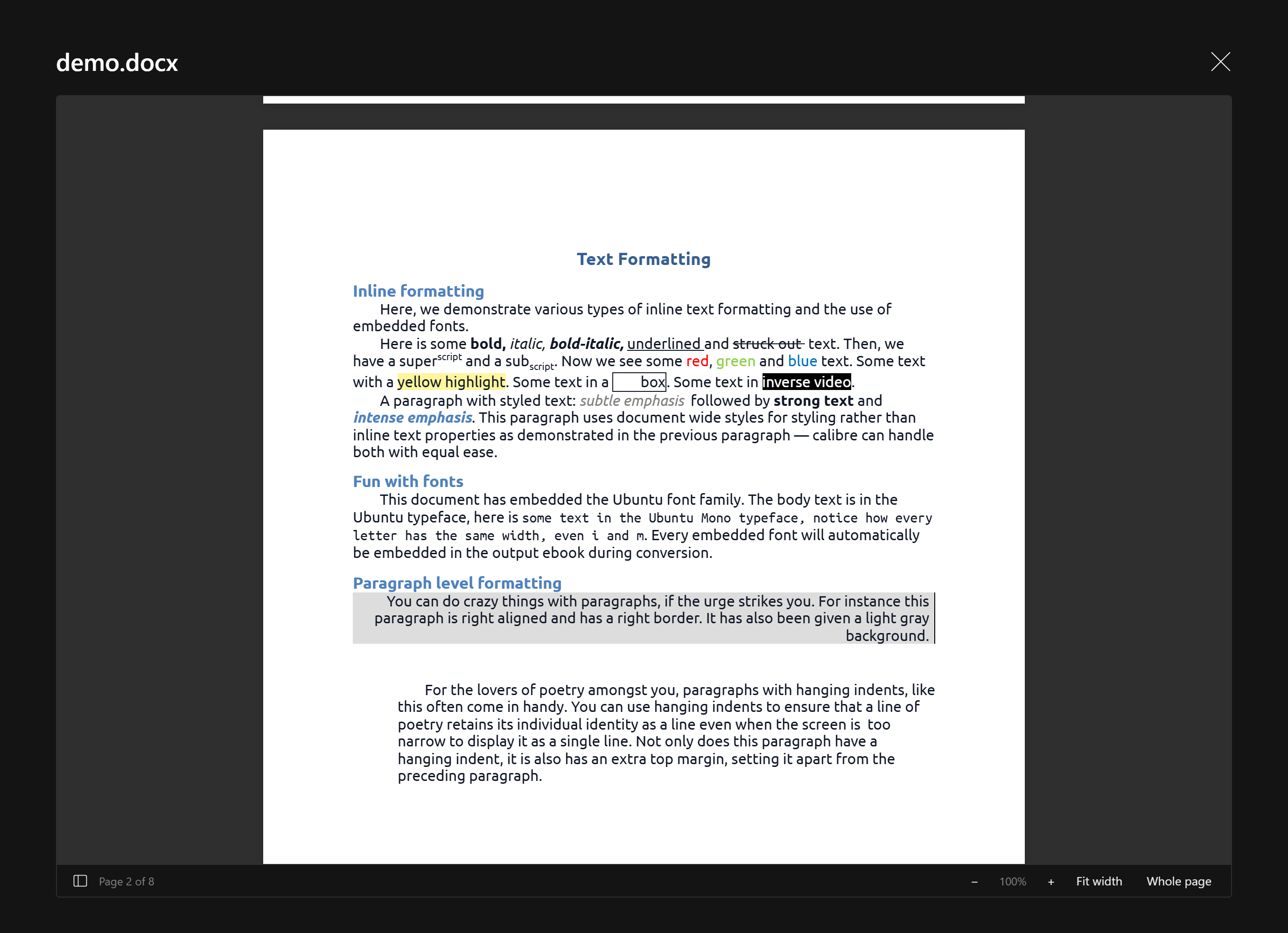
@10x-media/document-preview lets editors look inside an uploaded file without downloading it. Images, video, audio, PDF, CSV, text and code, Markdown, Word, Excel and PowerPoint open in a viewer styled like the rest of the admin, from a button beside the document controls, inline above the fields, or a column in the list view. Previews are read-only; nothing is converted on the server.
import { documentPreview } from '@10x-media/document-preview'

export default buildConfig({
  plugins: [
    documentPreview({
      collections: { media: true },
    }),
  ],
})
How it works
- One viewer per file type. The viewer is picked by the file's mime type, corrected by its extension where browsers misreport it (a
.csvthat Windows uploads as an Excel file opens as a table). Anything without a viewer shows an info card with the file's type icon, size and mime. - Everything loads on demand. Each viewer is its own chunk, fetched the first time a file of its kind is opened. A page that never opens a preview loads none of them; the always-present part is about 18 KB gzipped.
- Rendered in the browser. Office files are parsed by extend's WebAssembly renderers, PDFs use the browser's own viewer, text and code use Payload's code editor. No LibreOffice, no conversion service, no copies of the file.
- Documents look like documents. Pages, sheets and slides stay as authored in a dark admin; only the chrome around them (toolbars, page rails, sheet tabs) takes the admin's theme.
- Extensible. Swap the viewer for any mime type with your own component, and add file-type icons of your own.
Next
Start with the quick start, then see where previews appear in surfaces and what each format looks like in viewers. Before going live, read production for CSP and storage headers.