Viewers
The built-in viewer for every format, what each loads, and its limits.
| Format | Mime types | Viewer | Loaded on first open (gzip) |
|---|---|---|---|
| Images | image/jpeg, png, gif, webp, avif, svg+xml, bmp, icons | Zoom and pan | 1 KB |
| Video, audio | video/*, audio/* | The browser's player | 1 KB |
application/pdf | The browser's PDF viewer | 1 KB | |
| CSV, TSV | text/csv, text/tab-separated-values | Virtualized table | 15 KB |
| Text and code | text/*, JSON, XML, YAML, JavaScript, SQL | Payload's code editor | 1 KB, plus the editor |
| Markdown | text/markdown | Rendered, with GFM tables | 43 KB |
| Word | .docx | extend, read-only | about 750 KB |
| Excel | .xlsx, .xlsm, .xls | extend, read-only | about 2.3 MB |
| PowerPoint | .pptx, .ppt | extend, read-only | about 430 KB |
The sizes were measured on a production build of the dev app, JavaScript and WebAssembly together; opening a second file of the same kind loads nothing. Anything else gets the info card. To change the viewer for a mime type, see custom viewers.
Images
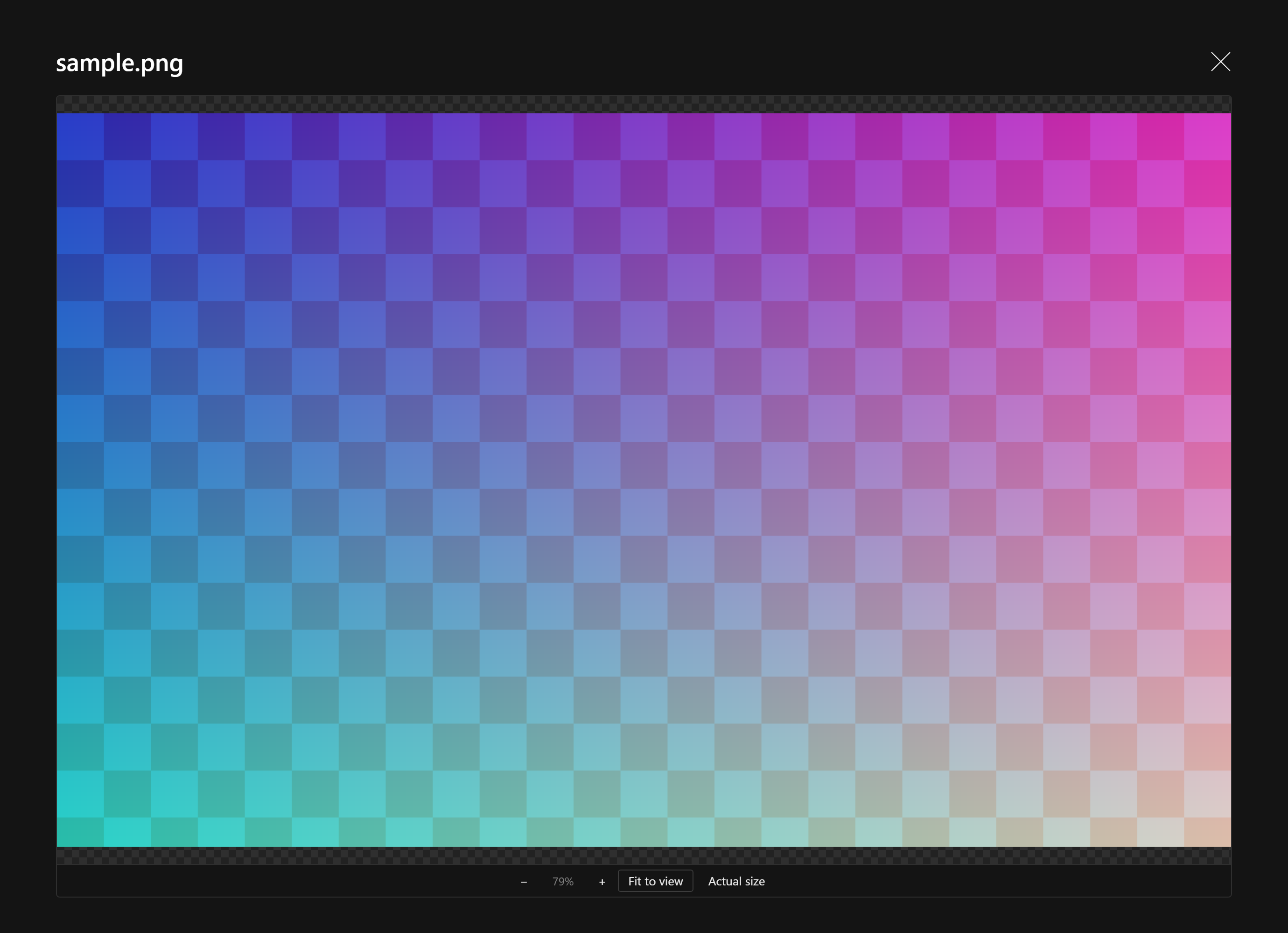
Fits the image to the preview, then zooms around the pointer with the mouse wheel or the toolbar, and pans by dragging. Fit to view and Actual size (100%, centered) are one click away, and a double click toggles between them. Zooming out stops a little below the fitted size. Raster images never upscale past 100% when fitted; SVG fills the preview. SVG renders as an image, so scripts inside it never run.
Video and audio
The browser's native players, so playback streams with range requests and needs no extra download. Video fills the preview on black. Formats the browser cannot decode show the info card.
The browser's built-in PDF viewer in a frame, with its own search, print and zoom, for no bundle cost. Browsers without one (Android Chrome) show a card with Open in new tab instead of an empty frame. Your storage must serve PDFs inline; see production.
CSV and TSV
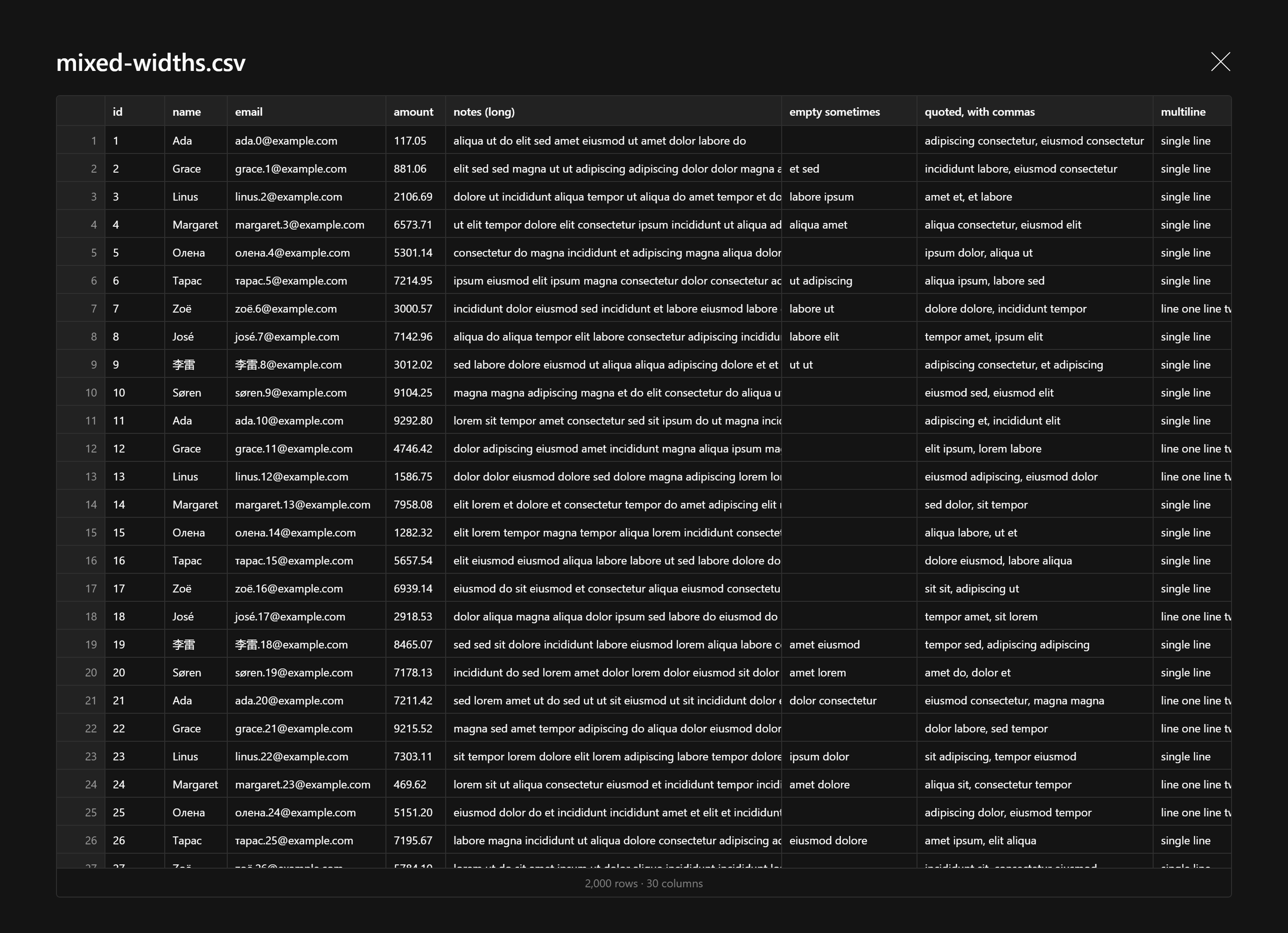
A table virtualized on both axes, so 120,000 rows or 600 columns scroll smoothly. The first row is the header and stays in view, row numbers stay on the left, and columns size to their content. The delimiter is detected; .tsv uses tabs. Files up to 20 MB are parsed.
Text and code
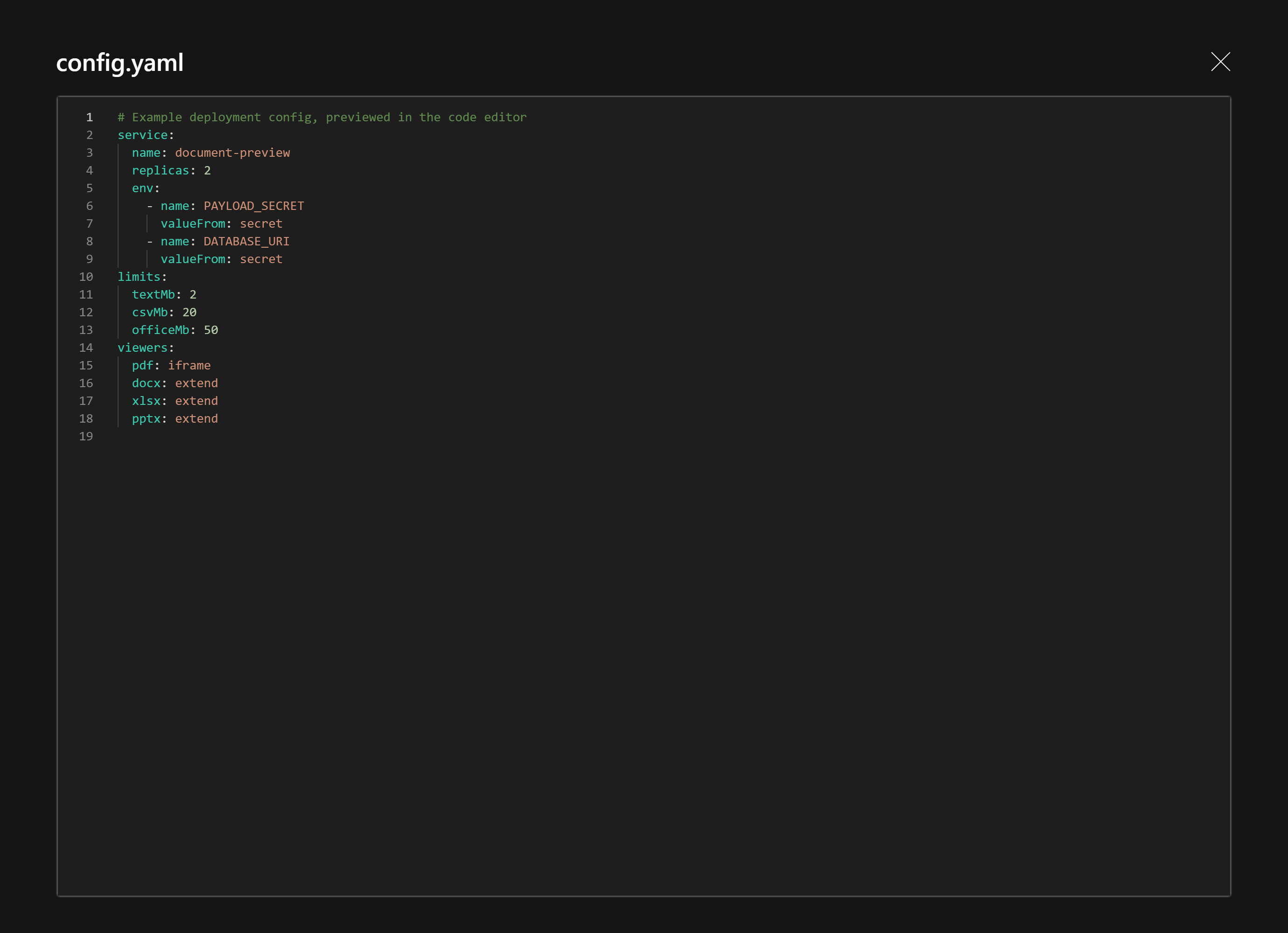
Payload's own code editor (Monaco, the one behind JSON fields), read-only: syntax highlighting by file extension, line numbers, folding and search with Ctrl+F. JSON is re-indented for reading. Files up to 2 MB.
Markdown
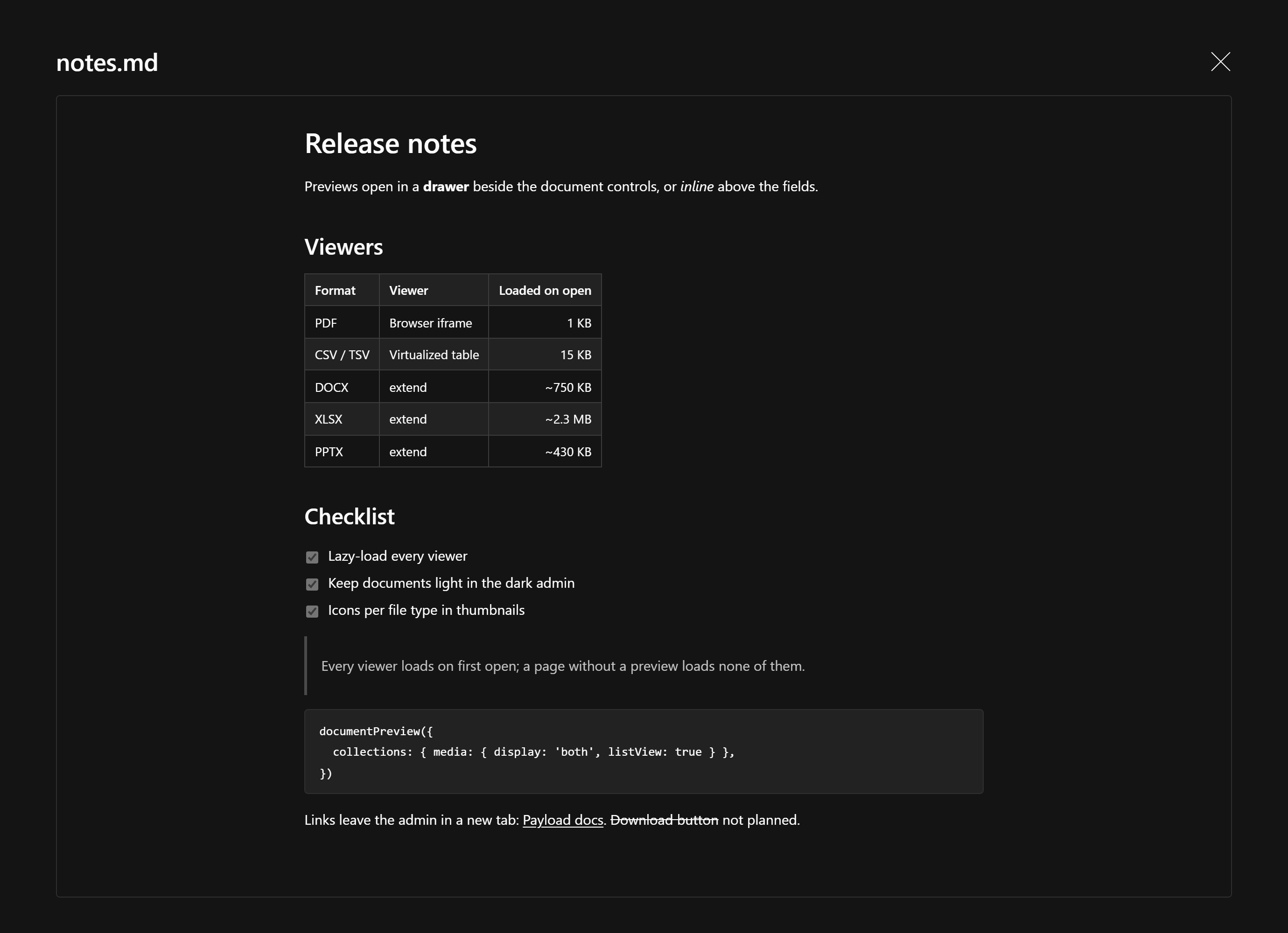
Rendered the way it reads, with GitHub-flavored tables, task lists and strikethrough, in the admin's typography. Links open in a new tab. Raw HTML in the file is not rendered and javascript: links are dropped, so an uploaded file cannot run script in the admin. Files up to 2 MB.
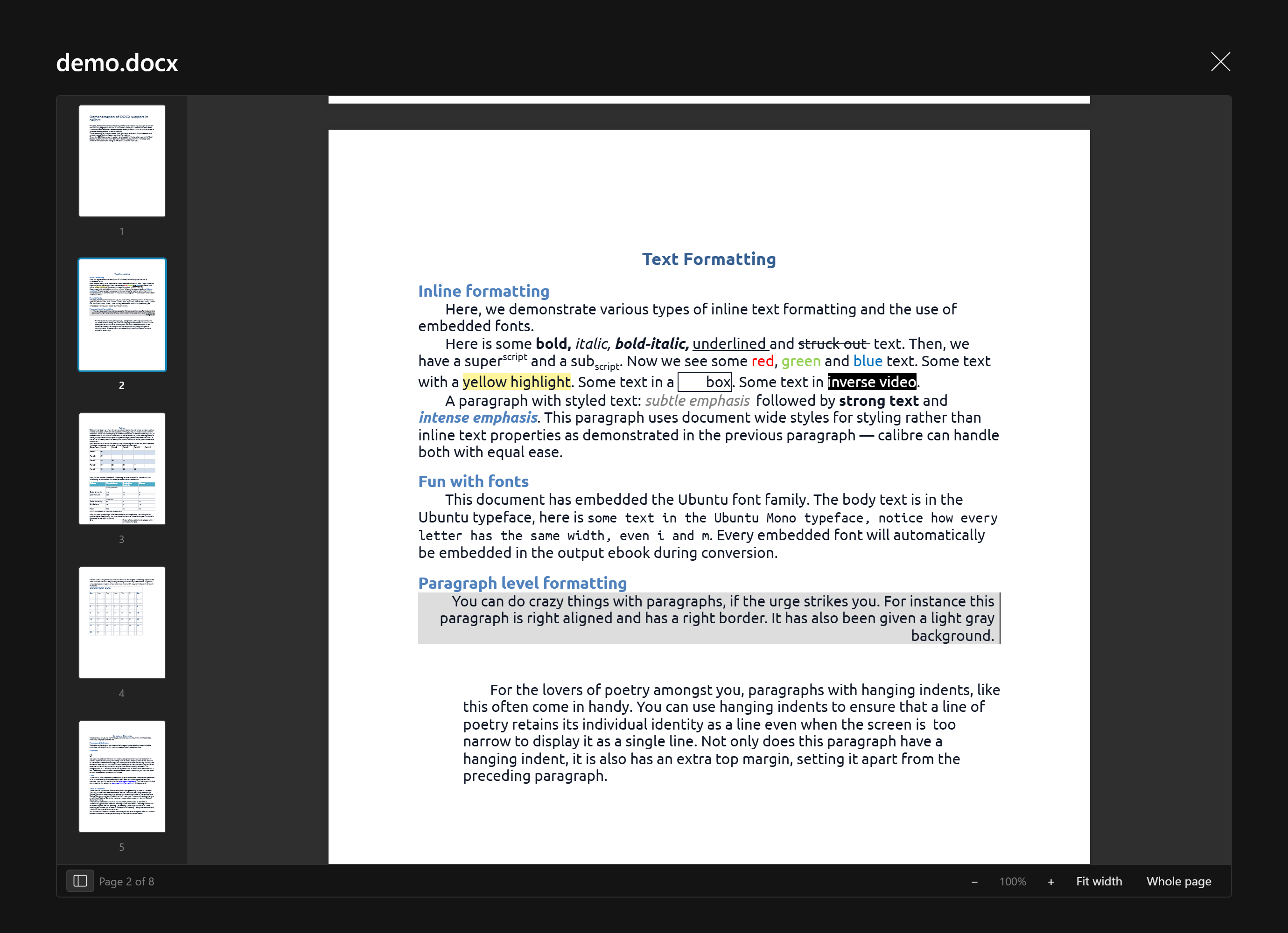
Word
Pages laid out as Word lays them out: embedded fonts, lists, tables, page breaks, headers and footers. The toolbar shows the current page and zoom (Fit width, Whole page, or a percentage; Ctrl+wheel or a pinch also zooms). The page rail on the left jumps to any page.
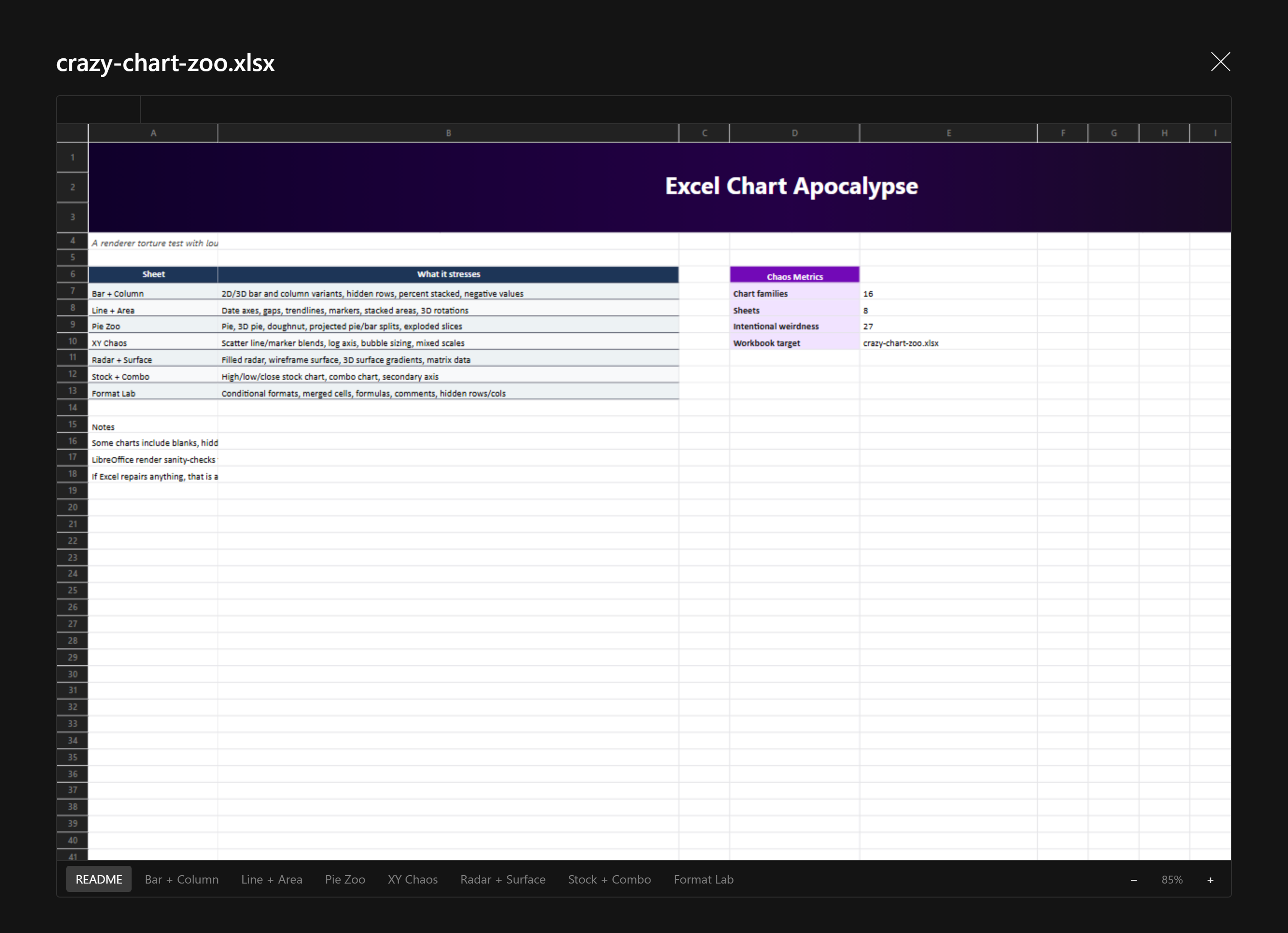
Excel
The workbook as Excel shows it, formulas computed, with charts and images. A formula bar shows the selected cell's address and its formula or value, sheet tabs sit along the bottom, and zoom is beside them. Legacy .xls works too.
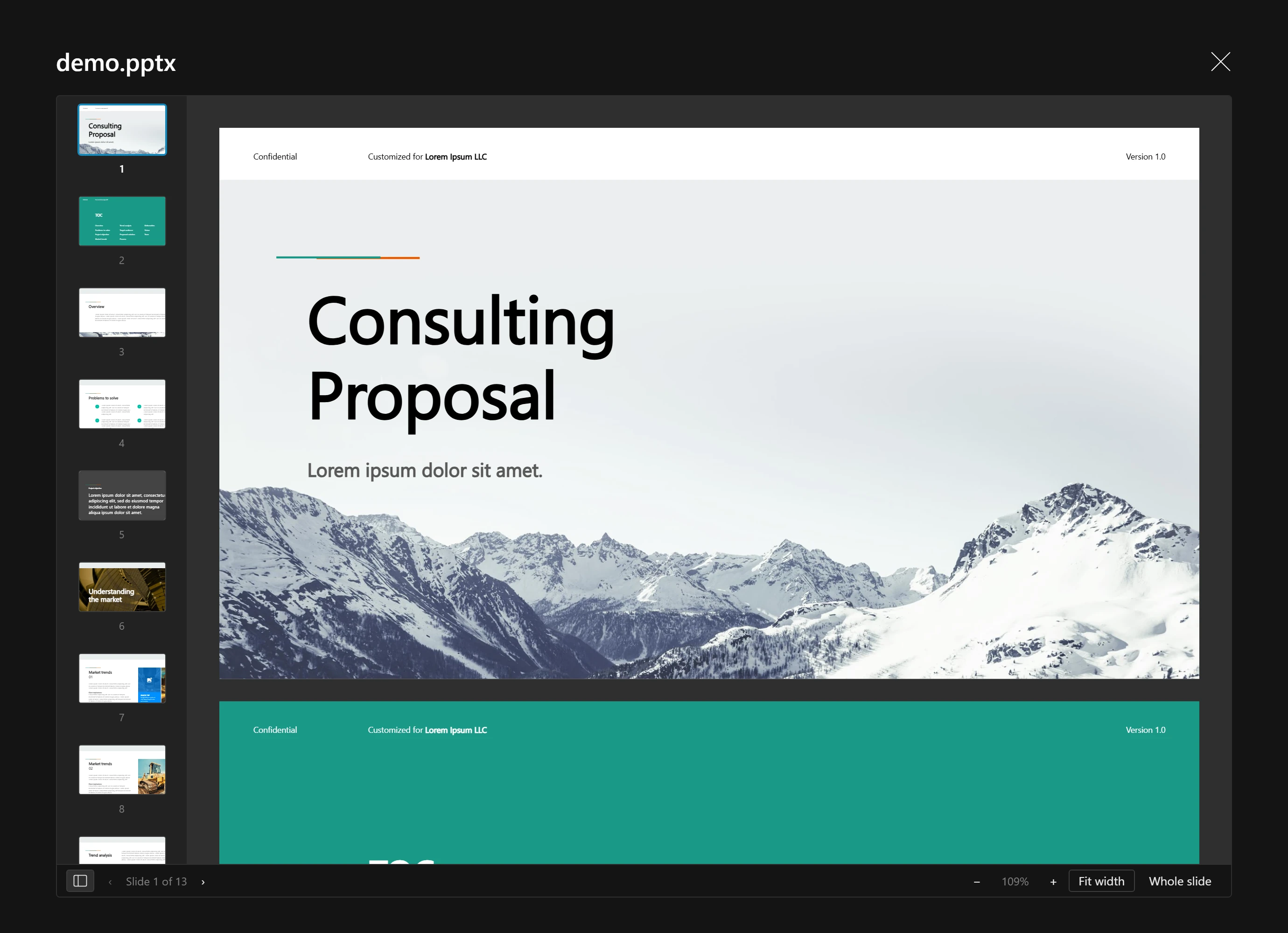
PowerPoint
Every slide in one scrolling column, with a slide rail, previous and next, and the same zoom as Word.
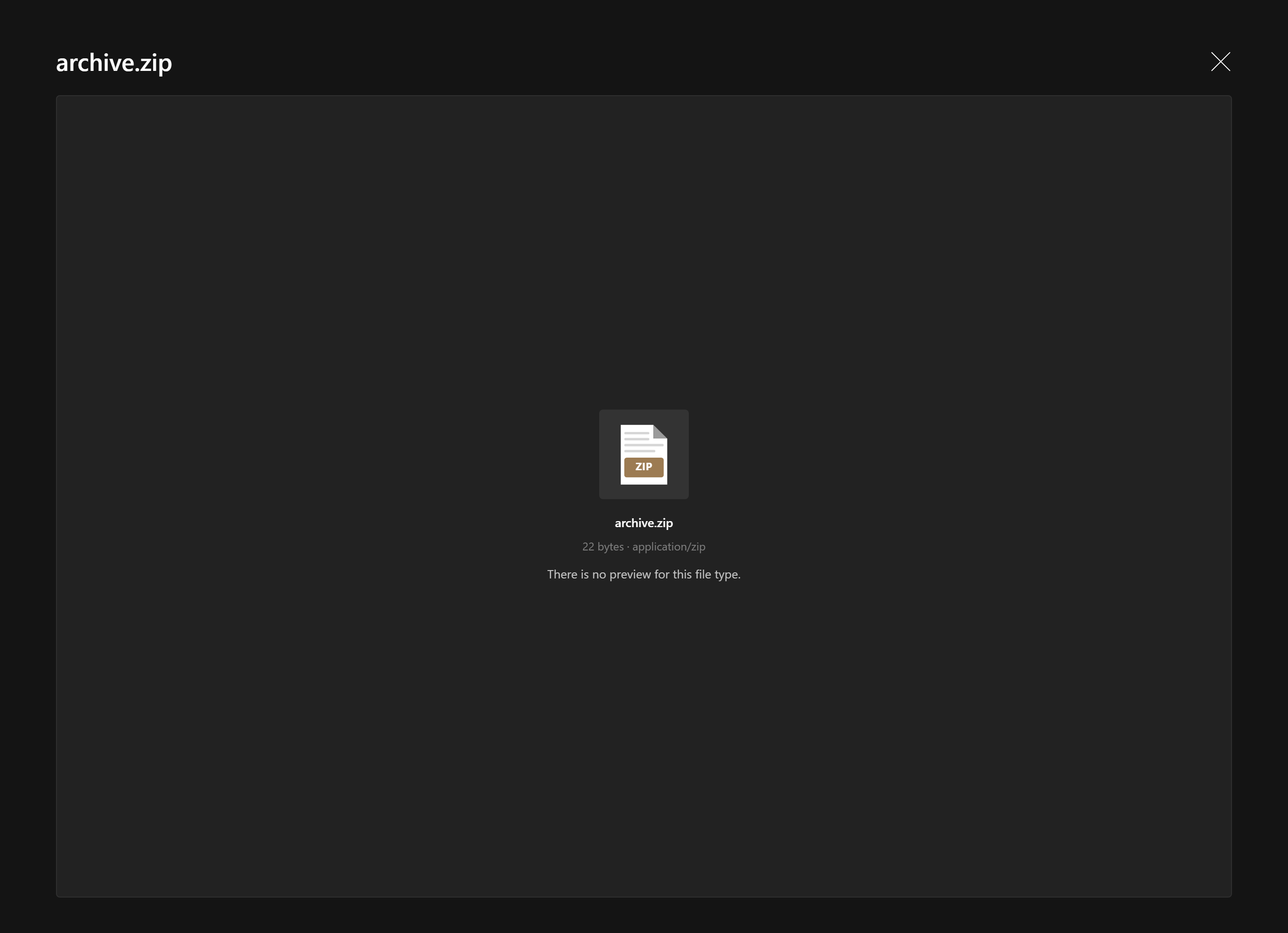
Info card
Shown for a file with no viewer, a file over its viewer's size limit, and a file its viewer could not open. It carries the file's type icon, name, size and mime, and why there is no preview.
Limits
| Viewer | Largest file |
|---|---|
| Text, code, Markdown | 2 MB |
| CSV, TSV | 20 MB |
| Word, Excel, PowerPoint | 50 MB |
Past the limit the info card says the file is too large, without downloading it when the stored size already tells. Images, video, audio and PDF have no limit: the browser streams them.